
Installing Recover
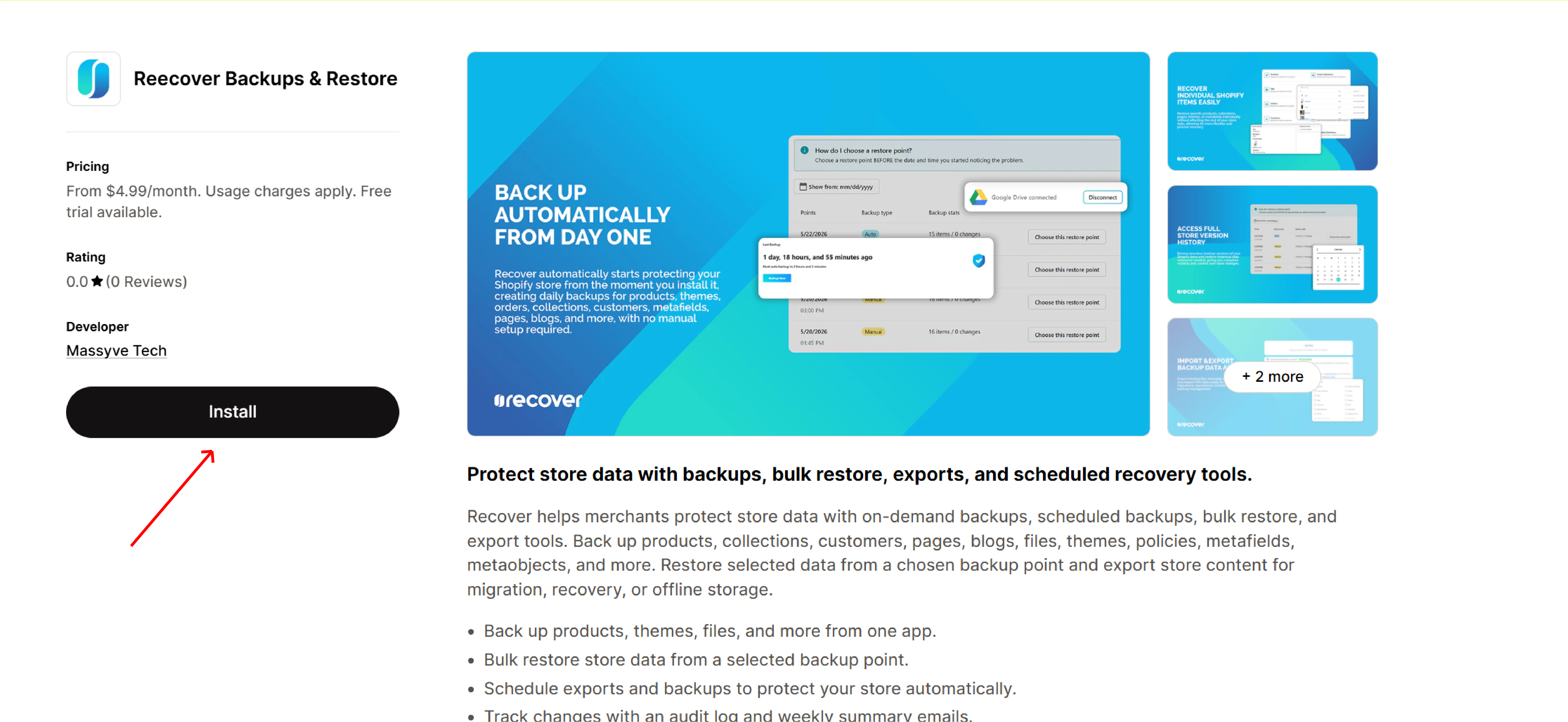
Install Recover directly from the Shopify App Store and connect it to your store in a few steps.
Installation process
-
Install Recover
Install Recover directly from the Shopify App Store and connect it to your store in a few steps.
-
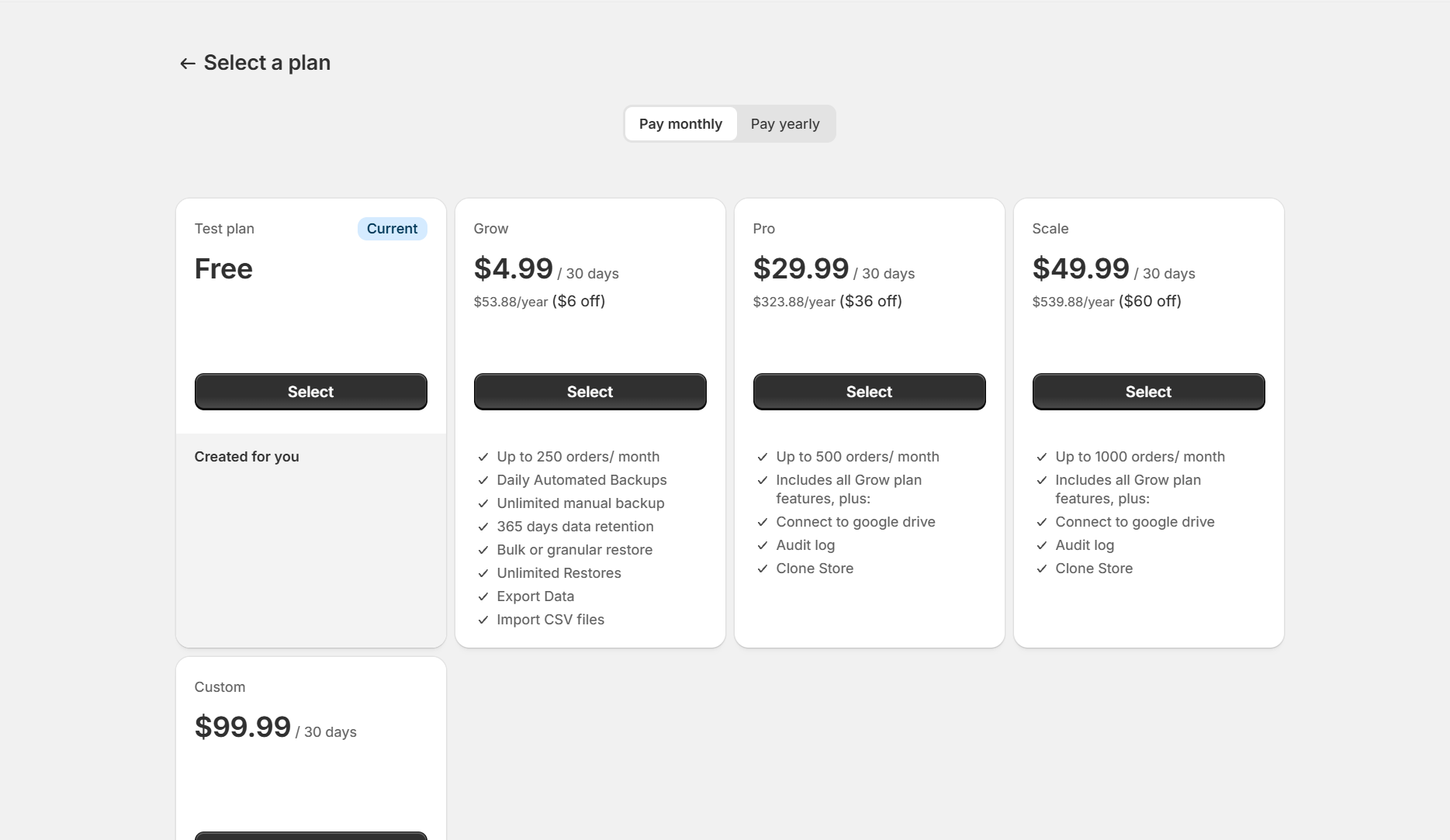
Choose Your Plan
Select a plan based on your store size, backup requirements, and operational needs.
-
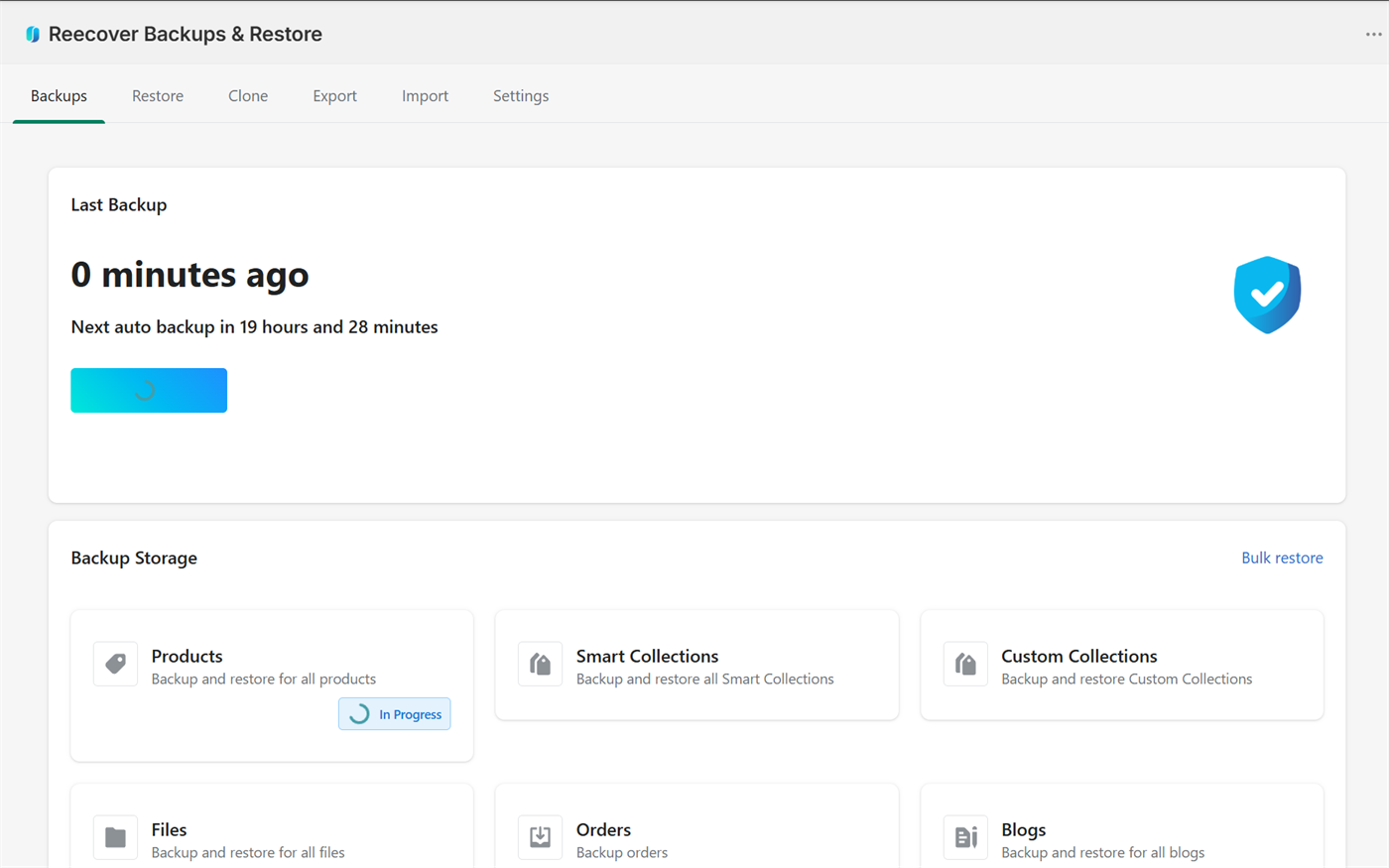
Run Your First Backup
Start your first backup manually to create an initial recovery point for your store data.
-
Check Your Backed-Up Data
Browse stored backups, review recorded data, and verify backup status from the dashboard.
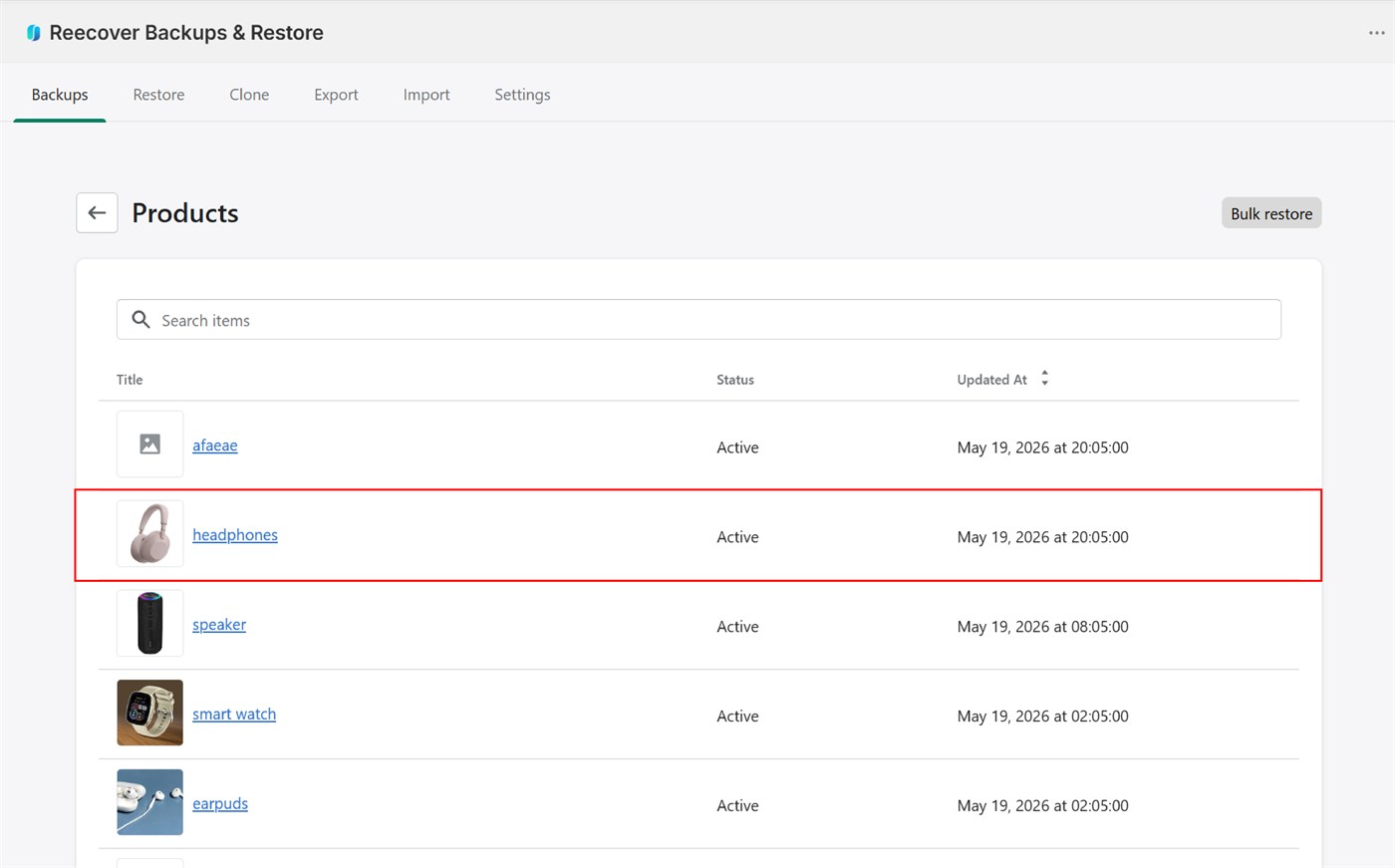
Once the initial backup completes, open the Reecover Backups & Restore dashboard and select a data category such as Products.
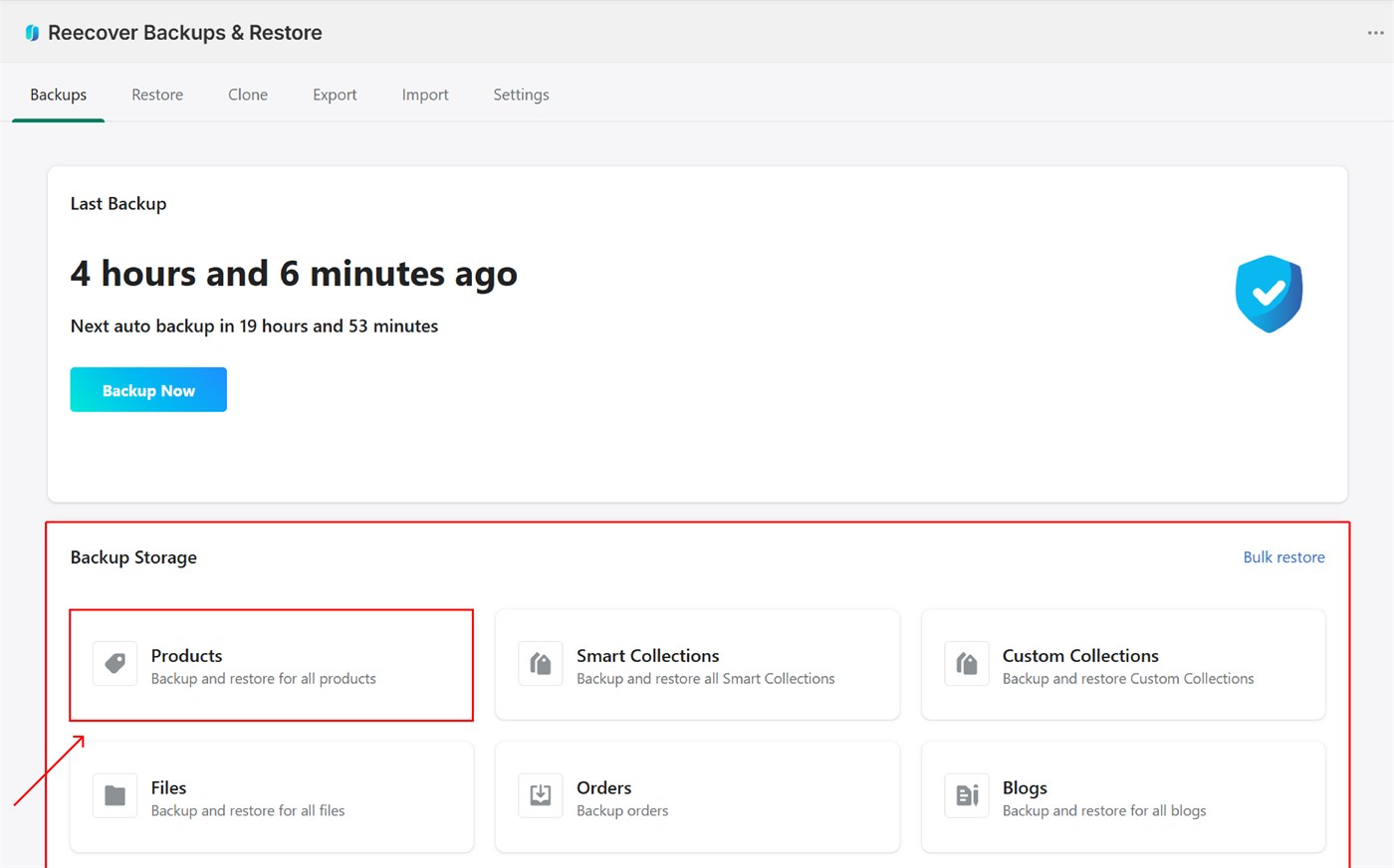
Click any item from the list to view its version history.
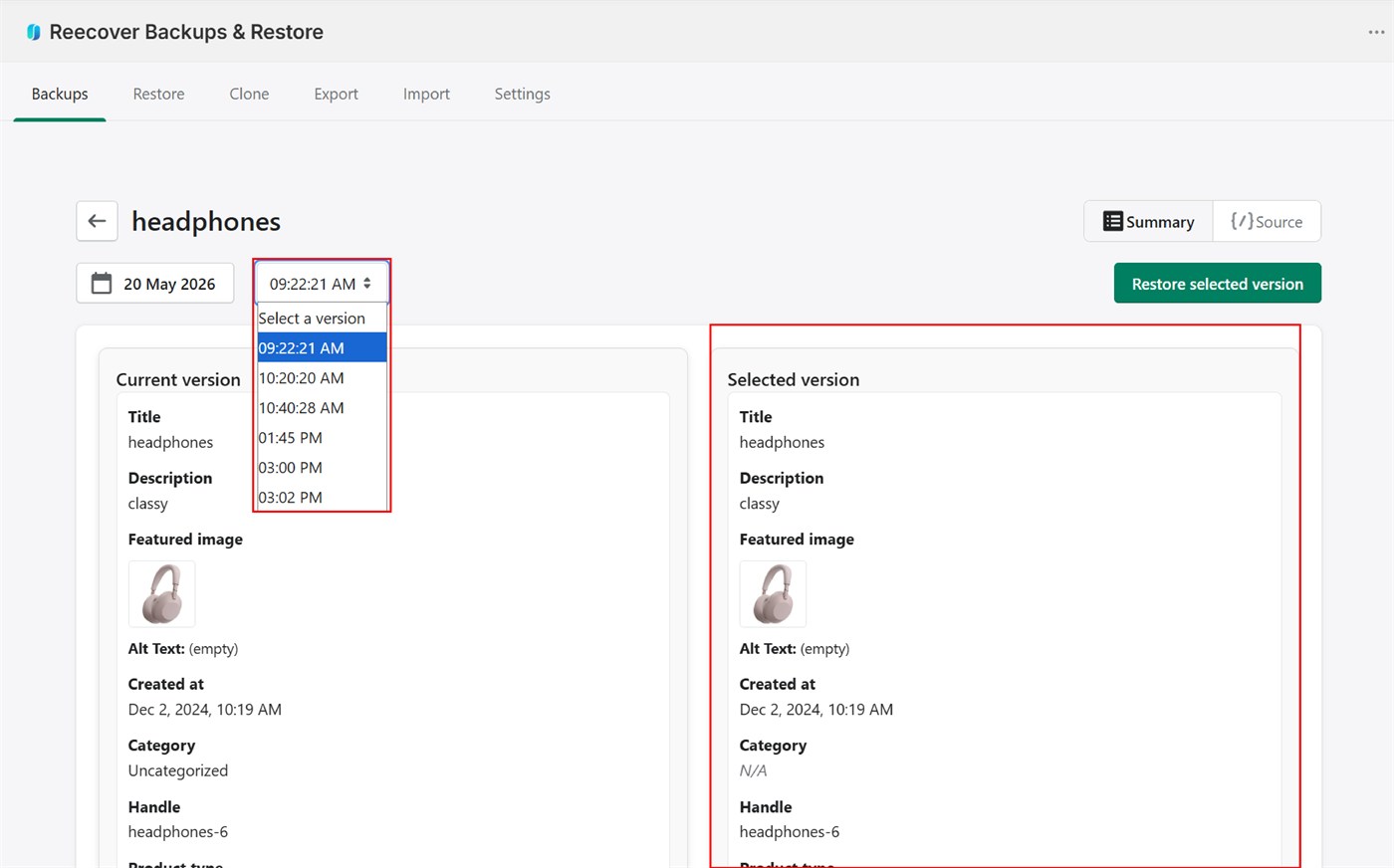
The version history screen shows a side-by-side comparison of the backed-up version and the live store version. From here, you can also restore the item to a previous version.
Once setup is complete, Recover automatically starts monitoring and backing up your store data continuously.